Watch Videos
Without Music.
Remove background music from YouTube videos while keeping speech. Watch with HaramMute on your phone or in your browser.
How to remove music from YouTube videos
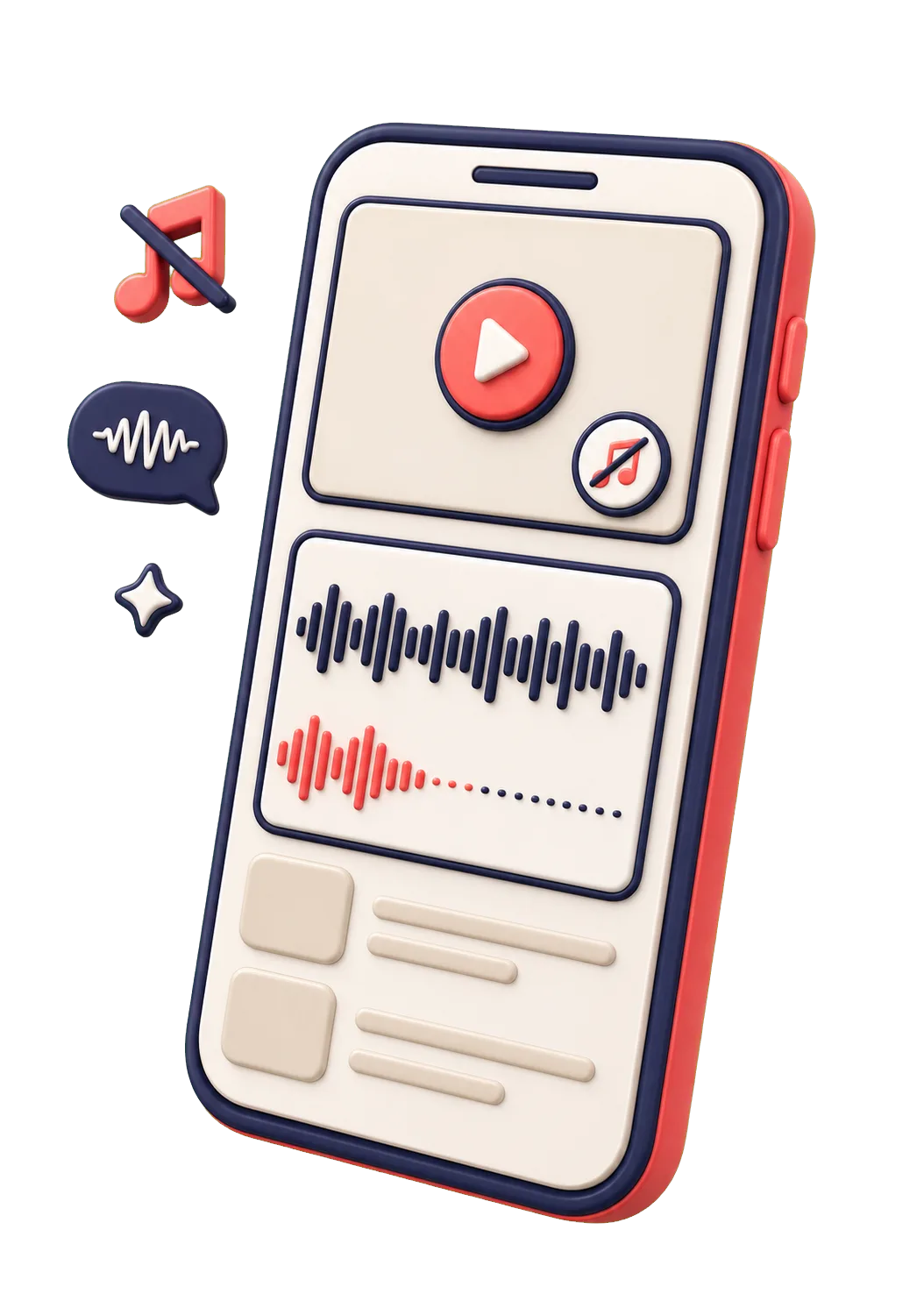
On iPhone and Android: paste or share a YouTube link, prepare the audio, then watch. No video file upload needed.
Paste or share a link
Get the iOS or Android app. Paste a public YouTube video link, or share it to HaramMute.
Prepare the audio
Start music removal and wait for the clean audio to be ready. Preparation time varies by video.
Watch without the music
Play the original video with the prepared audio in sync. Speech stays; separation quality depends on the mix.
Using Chrome or Firefox? Install the extension, open a supported YouTube video, then use the HaramMute button. The extension detects the video in your browser; the mobile app uses a link you paste or share.
Works on YouTube
Currently optimized for YouTube videos.
YouTube
Other Platforms
Common Questions
Is HaramMute free?
Free to download. Start with 60 minutes each week on videos up to 15 minutes. Paid plans offer more usage and longer videos. Check the app for current plans, prices and eligibility. Preparation requires an internet connection.
Can I use it on my phone?
Yes. The native Android app is now available on Google Play — get the Android app. Prefer Firefox? You can also use the Firefox add-on. On iPhone, download on the App Store.
Does it work on live streams?
Not yet. HaramMute works on pre-recorded YouTube videos. Live stream support may come later.
Will it remove sound effects?
It targets music specifically. Dialogue and most sound effects are preserved, though results vary depending on how the audio is mixed.
Is my data private?
HaramMute processes the video links you choose to provide clean audio. The website measures visits and download clicks without session recordings or account identifiers. See what is collected and retained in our Privacy Policy.
HaramMute Mobile
Free download · 60 minutes each week on videos up to 15 minutes. Paid plans offer more.
Now on iOS and Android.
Remove background music from YouTube videos on your phone.
HaramMute for iOS
Available now on the App Store.

● Available now
HaramMute for Android
Remove background music from YouTube videos right from your phone.
Support HaramMute
Help keep HaramMute improving.
Powered by Polar.sh